
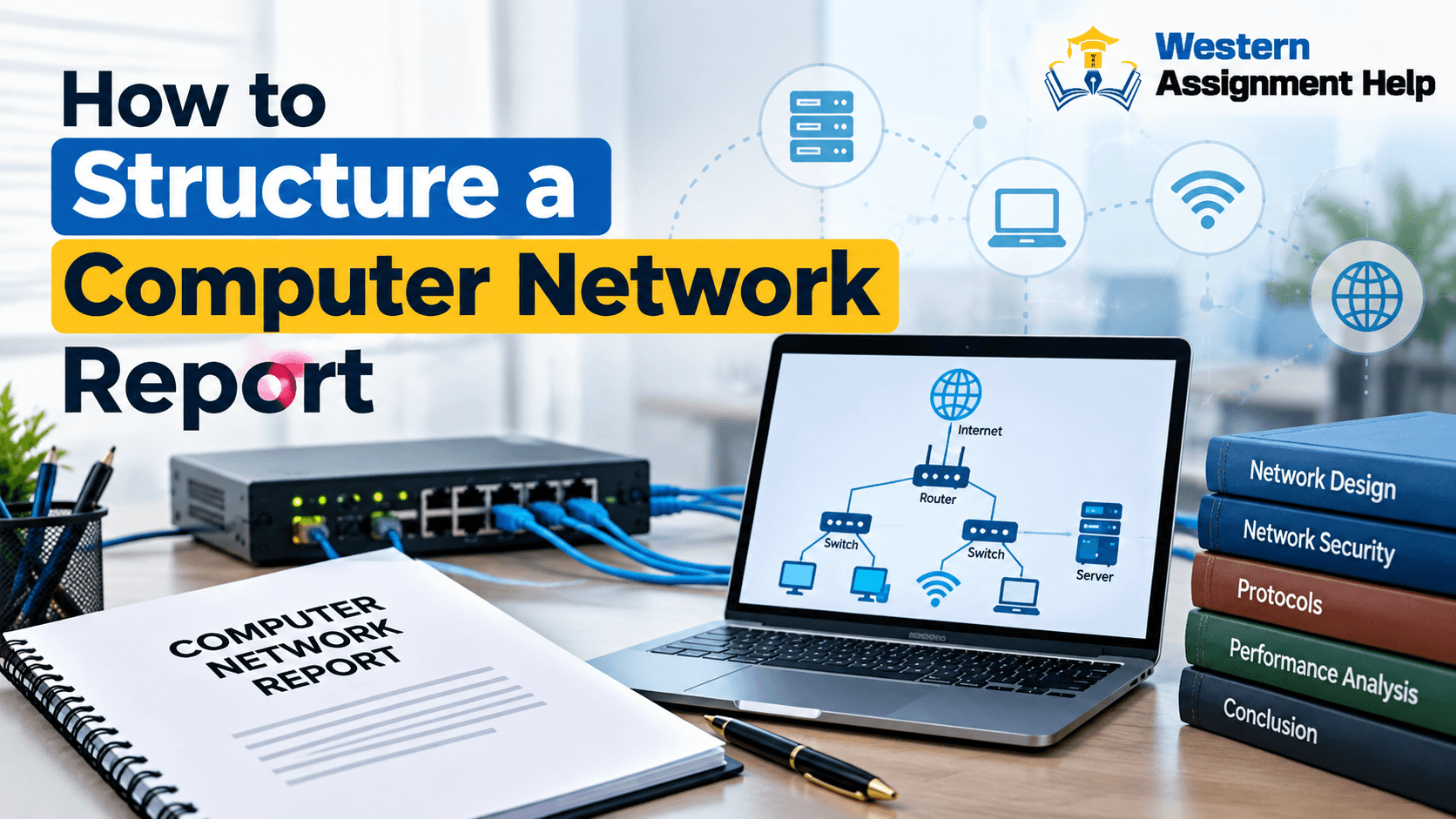
When you’re unsure how to structure a computer network report, it can feel difficult to know where to start. A good report is not just a list of networking terms; it should clearly explain network issues, design, technologies, performance, and security considerations. Whether you’re writing a university assignment, a practical class report, or a technical report, following a clear structure can help you present your ideas logically and meet your academic requirements.
You might benefit from having a well-structured framework if, say, you are writing your university assignment, a short report of a practical class, or a technical report. This article aims at giving a hint on how to write a computer network report and on what information to include for each part of it.
What is a Computer Network Report?
A report describing a computer network is academic or technical and discusses a specific computer network system, design, technology or the network itself. Naturally, the types of work you have will differ according to the topics you are supposed to discuss: for example, network architecture, network protocols, devices, network security, network performance, network troubleshooting etc.
Before even typing the first word, study your essay question in detail, and check if you have any specific requirements concerning presentation or references from your university.
How to Organize a Computer Network Report
There are several essential sections which are necessary to be found in a well-organized computer network article. Naturally, it is highly likely that format and structure will be somewhat different depending on the topic you have chosen however, in principle the following list is good for most university reports.
1. Title Page
Employ just a simple page to display your report title. Typically, this page consists of:
- Report title
- Student name
- Student ID
- The Course or Module title
- University name
- Name of lecturer/tutor
- Submission date
If specific requirements were given by the teacher for your presentation, follow them.
2. Introduction
The introduction section provides a general picture of your report to help the reader to follow easily from one point to the other.
Talk briefly about what you think of computer networks, their significance in today’s world, and maybe your personal views and goals of this writing. Another possibility is to outline only the topics you will cover.
For example, in a small business report, you could talk about the networking requirements of that organisation and clarify your intentions concerning the new network.
It should simply be a concise introduction with no detailed explanations of networking concepts.
3. Network Requirements and Objectives
The next paragraph can be devoted to stating the requirements of a network.
In this section, you can include:
- Number of users
- Required network devices
- Internet requirements
- Data-sharing needs
- Security requirements
- Scalability
- Performance expectations
- Budget considerations
It is important not only to find these requirements, but also clearly express them in case you are defending your network design later during the discussion.
4. Network Architecture and Design
This part constitutes the main body of a computer network paper.
You can talk about the network design here, e.g. LAN, WAN, WLAN, client-server, or any other architecture appropriate for the case.
You can use a network diagram to demonstrate connectivity between devices. Don’t forget to label the diagram and refer to it while explaining the content.
Among others, you might list the network equipment: router, switch, access point, server, etc.
Designing a brand new network is a slow and difficult process. Many of the students find themselves in a fix when getting to that part of their assignment. As we know quite a few students at Western Assignment who are confident with theory but have problems converting theory into a workable plan – we offer university assignment help which you can check by clicking the link.
5. Network Protocols and Technologies
In the next segment the protocols and technologies involved in the design of this network will be outlined with more clarity.
Depending on your topic, these could include:
- TCP/IP
- HTTP and HTTPS
- DNS
- DHCP
- Ethernet
- Wi-Fi
- IPv4 or IPv6
Avoid repeating the protocol at length. Highlight the reasons behind the adoption of a particular protocol/technology in the network and explain its function in communication.
Protocols are always layered on an operating system; thus you need also to understand the way the two are integrated. If you are interested, you can also read our blog on Navigating the Depths of Operating System Assignment.
6. Network Security
Security is something that you shouldn’t ignore as it is a cornerstone element of today’s computer networks.
Identify possible security threats and explain how to reduce their impact.
You may discuss:
- Firewalls
- Strong authentication
- Access control
- Encryption
- Secure Wi-Fi configuration
- Network monitoring
- Software updates
- Backup procedures
Your security recommendations should be network-specific and should not only be a set of commonly known security measures.
7. Performance and Analysis
A comprehensive report should also cover the performance of the proposed network.
Address the network aspects such as bandwidth, latency, reliability, scalability, network congestion and response time.
You are to give a thorough explanation of your results from practical tests and/or simulation in the assignment, in the form of tables, diagrams, or figures, whichever is suitable. It’s a good idea to not just describe the outcome, but explain its significance.
8. Challenges and Possible Improvements
Network design is a compromise. A network cannot be made perfectly to satisfy all the possible requirements simultaneously. Hence, the description of its limitations will contribute to the analytical character of your report.
As a sample, you may list some problems the proposed network with the issues of cost, scalability, security, hardware, bandwidth and/or maintenance may cause.
You can also put a proposal for some alterations and this implies that you are not just a network describer but a network assessor as well.
9. Conclusion
When you structure a computer network report, the conclusion should clearly summarise the main points discussed throughout the report. Reiterate the network design, technologies used, security solutions, and key findings to give the reader a clear understanding of the overall work.
You can also mention whether the proposed network solution meets the stated requirements and objectives. Avoid introducing completely new information in the conclusion, as this section should focus on summarising the findings and outcomes already discussed in the report.
10. References
At last, provide the references of all the books you used in the study and preparation of this work.
Depending on your University’s requirements you may have to follow Harvard referencing style, APA or IEEE referencing style or other referencing style.
Make use of quality academic and technically relevant sources as far as possible and be sure that external information is properly cited.
Tips for Writing a Better Computer Network Report
Besides being structured logically, the content of the report should reflect a level of writing that the reader can appreciate from a quality point of view.
Here are some tips that will help you:
Read the Assignment Brief Carefully
Take the time to check that the marking scheme and detailed instructions have been read, as this may be the basis for your lecturer’s assessment, and make a point especially if the lecturer has given specific word counts, diagram requirements or even referencing instructions just go with them.
Explain Technical Terms
If you can, don’t make your report a dictionary of networking terms. If you do, remember to define them briefly and give the reason why they are there.
Use Diagrams Where Possible
Networking diagrams can be used to visualize data, so that they can be more readily understood. You have to make every diagram labeled and mention them in the text at least once.
Back Up Arguments with Evidence
Support your technical definitions and advice with trustworthy references. Don’t depend solely on the information from websites not backed by references at least partially.
Keep Your Sections Connected
Your network requirement shall guide your design, which flows into the protocols, security, and performance sections of your report. So the whole thing should make you read it from the beginning to the end, right?
Common Mistakes to Avoid
Writing computer networks reports is not an easy task, and students usually commit many common errors which might cost them their grades.
A typical oversight is just focussing on definitions that don’t offer deeper insights through the topic analysis. Another quite often mistake is providing diagrams without any explanations. The report might be jeopardised not only by inadequate references but also by the overuse of technical terms, the lack of conclusion and by the not fulfilling assignment conditions.
A report with too many technical diagrams that are neither explained nor integrated with each other can easily be lost in the reader’s mind.
Time is a significant factor and one major reason behind most mistakes and sometimes the technical side of an assignment just overwhelms. If for instance, you are not finding your way in the topic such as a network design or protocol comparison or even a security section you have reached the right place that Western Assignment Help offers computer network assignment help to both university and college students.
Frequently Asked Questions Computer Network
Q: How do I start a computer network report?
A: Read the assignment brief and criteria carefully and decide upon the scenario, word limit and referencing style before starting the task. Then note down the network-related requirements like the number of users, devices and the security level that you have been asked. Draw a rough diagram of the network.
Q: What is the format of a computer network report?
A: Headings with numbers are normally arranged the same way reports are presented as mentioned before. Larger articles could also have a directory page, an abstract or summary which will allow the reader to know briefly what the whole document is about, and a final section where readers will find material like settings or software configurations as examples among many others.
Q: What should be included in a computer network report?
A: If you are stuck with something like network design, protocol comparison or security part of your homework, contact our computer network assignment help service and we get the work done for you in no time.
Q: Do I need to add a network diagram to my report?
A: In the beginning, read the assignment guidelines and the marking rubric and write down the scenario, word limit and referencing style.
Q: How Long Should a Computer Network Report Be?
A: Next, make a list of the network requirements such as the number of users, the type of devices, and the security level.
Q: What is the best way to cite a source?
A: You should stick only to that type of citation that your tutor expects. Some typical styles of citing include: Harvard, APA, IEEE
Q: What can I do to make my computer network more analytical?
A: Write the sections with the most important information first, and put off the introduction section till your paper is finished.
Conclusion
Generally, the structure would have sections in a numbered format. Larger ones could also have a table of contents, introduction, a summary of the whole piece including the results, and appendices with additional material like configurations.
Ensure that diagrams and tables, if any, are well-labelled, and use consistent fonts, spaces, and referencing throughout the document, and follow the university/lectured template, if that has been handed out. For getting help from a highly skilled professional who can provide detailed support to you, do not hesitate to contact Western Assignment Help at any time.